
How the watch shows up
Four ways to put the Tugwatch screen on top of the hero video. The watch shows the real app screens: Watching, then Pulling? with Yes and No, then Saved.
ACorner watchA small watch pops in at the corner, buzzes, asks "Pulling?" and confirms. Quiet, never covers the person.
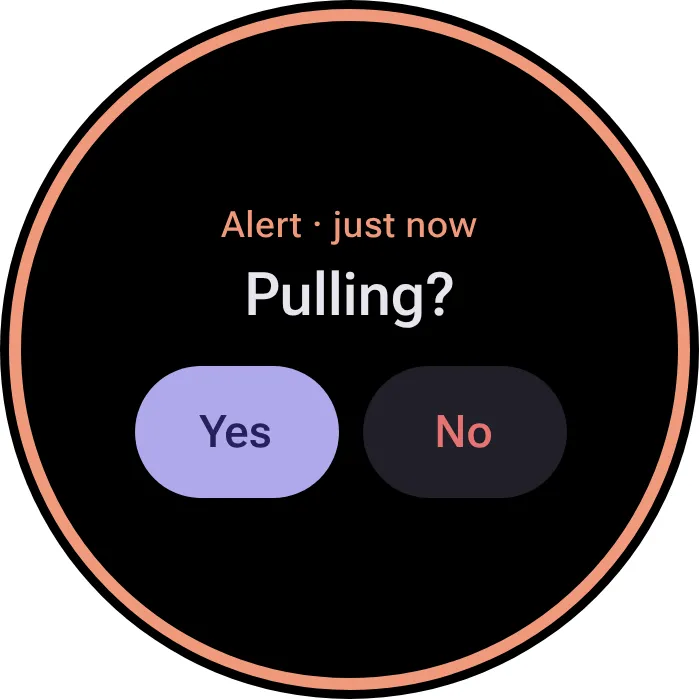
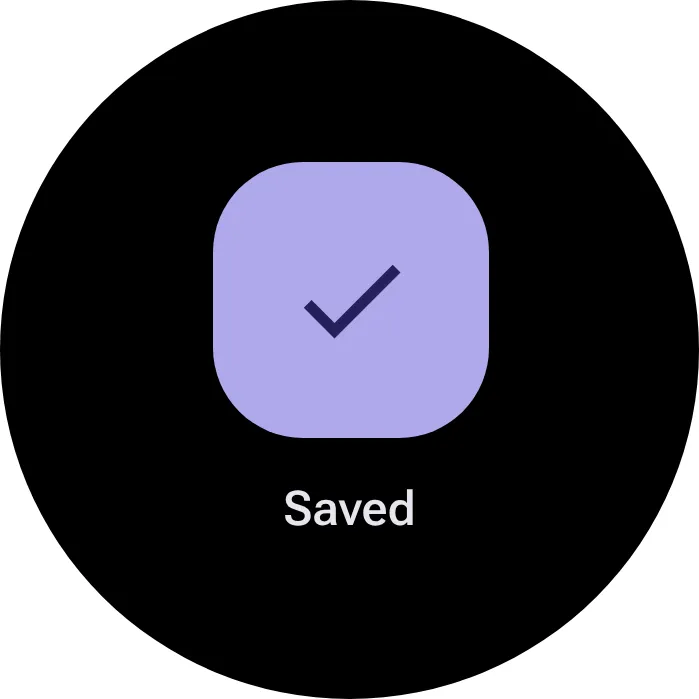
BCenter focusThe scene dims and blurs, a large watch takes the stage for about three seconds, then the video comes back. Most dramatic, easiest to read on phones.
CSide panelA watch on a strap stays on a dark panel the whole time, showing the Watching screen until the moment comes. Three steps next to it explain what is happening.
- Hand rises to hair
- Tugwatch buzzes
- Hand comes down
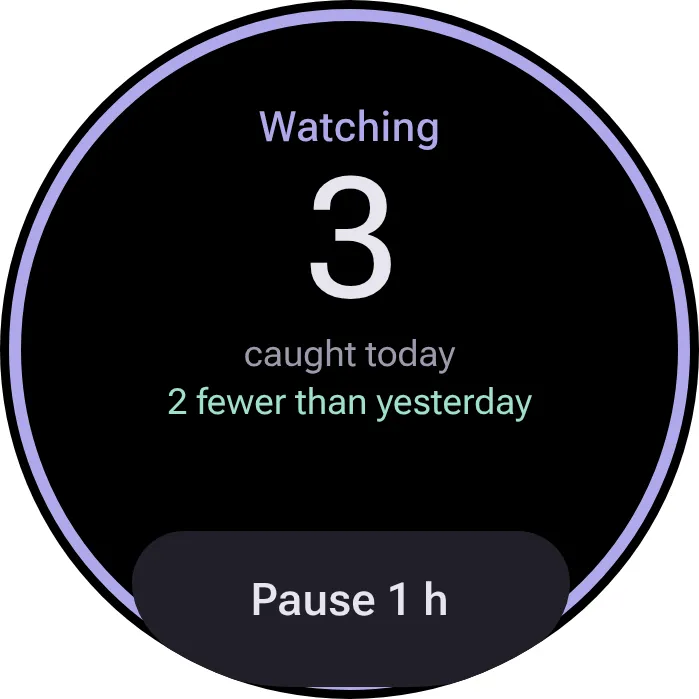
DStatus barA slim bar along the bottom narrates what the watch sees, step by step, next to the watch screen. Explains the detection, not just the alert.
WatchingArm down, sensors resting
WatchingHand raisedMatches your pullBuzz